Updated: April 11, 2026
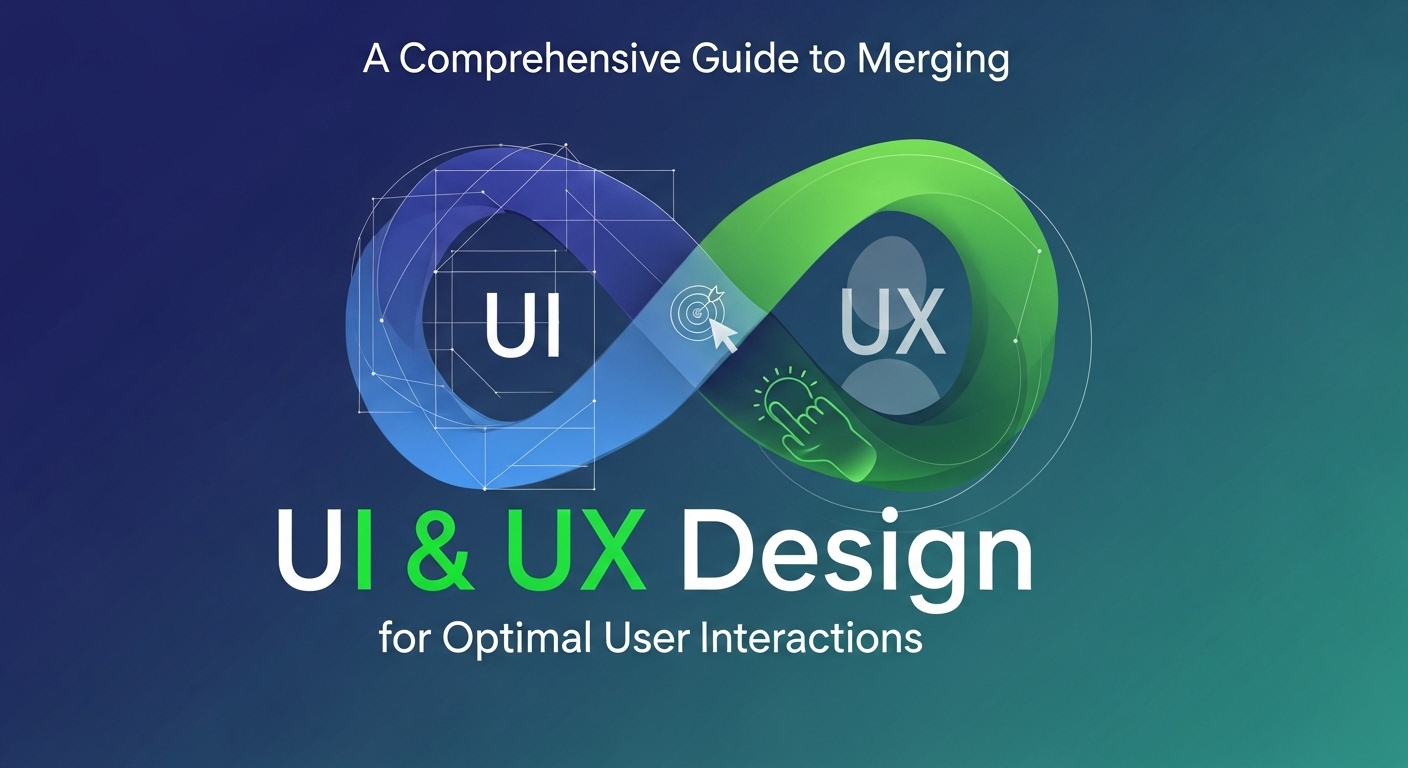
A Comprehensive Guide to Merging UI & UX Design for Optimal User Interactions
In today’s digital world, creating a seamless user experience is more important than ever. The integration of UI (User Interface) and UX (User Experience) design can significantly enhance the way users interact with your products. However, merging these two disciplines can be challenging. This guide will take you through the essentials of combining UI and UX design to achieve optimal user interactions.
Understanding the Basics of UI and UX Design
Before diving into the integration of UI and UX, it’s essential to understand what each entails. UI Design focuses on the visual aspects and layout of a digital product. It includes typography, color schemes, icons, spacing, and responsive design. On the other hand, UX Design is about the overall feel of the experience. It encompasses the user’s journey, accessibility, and how intuitive the product is to use.
The Importance of Merging UI and UX
The primary goal of merging UI and UX is to create a product that is both visually appealing and easy to use. When UI and UX work together, they can significantly enhance the user’s experience. A well-designed UI can attract users, but it’s the UX that keeps them engaged. When users find an interface that is both beautiful and functional, they are more likely to return and recommend it to others.
Steps to Successfully Merge UI and UX Design
1. Research and Planning
Begin with comprehensive user research to understand your target audience’s needs and preferences. Use tools like surveys, user interviews, and usability testing to gather valuable insights. This research will guide your design decisions, ensuring they align with user expectations.
2. Creating User Personas and Scenarios
Develop user personas based on your research to represent different segments of your audience. User scenarios, which describe how a persona might interact with your product, can help visualize the user’s journey and identify potential obstacles.

3. Wireframing and Prototyping
Wireframes serve as the blueprint for your design, outlining the structure and layout of the interface. Prototyping allows you to create a working model of your product, enabling you to test and refine your design before development.
4. Design Consistency and Standards
Ensure consistency across your design elements, such as buttons, icons, and typography. Adhering to a design system can help maintain a cohesive look and feel. Consistency not only improves the aesthetic appeal but also contributes to a more intuitive user experience.
5. Incorporating Feedback and Iteration
User feedback is crucial for improving your design. Conduct periodic testing sessions to gather feedback and make necessary adjustments. Iterative design, which involves refining your product based on user feedback, ensures that your design evolves and improves over time.
Key Principles for Effective UI/UX Integration
1. User-Centric Approach
Place the user at the center of your design process. Every decision should be made with the user’s needs and preferences in mind. A user-centric approach ensures that your product is both usable and enjoyable.
2. Accessibility and Inclusivity
Design with accessibility in mind to ensure that your product can be used by people with varying abilities. Consider factors such as color contrast, text size, and keyboard navigation. Inclusive design broadens your audience and enhances the user experience for everyone.
3. Visual Hierarchy and Clarity
Organize content in a way that guides the user’s attention to the most important elements. Use size, color, and spacing to create a visual hierarchy that enhances clarity and readability.
4. Performance and Speed
Ensure that your product loads quickly and performs efficiently. Slow load times can lead to user frustration and abandonment. Optimize images, use caching, and streamline code to enhance performance.
Common Challenges and How to Overcome Them
Merging UI and UX design comes with its own set of challenges. Balancing aesthetics with functionality can be difficult, as can ensuring cross-team collaboration. To overcome these challenges, it’s essential to foster open communication between designers, developers, and stakeholders. Regular meetings and collaborative tools can help align everyone towards a common goal.
The Future of UI and UX Design
The landscape of UI and UX design is constantly evolving. Emerging technologies such as AI, AR/VR, and voice interfaces are shaping the future of design. As these technologies develop, the integration of UI and UX will become even more critical in creating innovative and user-friendly products.
Takeaways
Merging UI and UX design is essential for creating products that offer optimal user interactions. By understanding the principles of both disciplines and following a user-centric approach, designers can create interfaces that are both beautiful and functional. Through research, iteration, and collaboration, you can ensure that your design meets user needs and stands out in the digital landscape. Embrace the challenges and opportunities of merging UI and UX, and you’ll be well on your way to designing compelling and engaging digital experiences.
Additional Resources for Further Learning
To deepen your understanding of UI and UX design, exploring additional resources can be incredibly beneficial. Whether you’re a beginner or an experienced designer, there’s always something new to learn. Consider the following resources for expanding your knowledge:
- Smashing Magazine – Offers a wealth of articles, guides, and tutorials on design trends and best practices.
- UX Design – A platform with insights and inspiration from industry professionals, covering a wide range of topics in UX design.
- Medium’s UI Tag – Features stories and experiences shared by designers around the world, providing practical tips and insights.
Case Studies: Successful UI/UX Integrations
Examining case studies of successful UI/UX integrations can offer valuable insights into effective design strategies. Here are a few examples that highlight how companies have successfully merged UI and UX:
1. Airbnb
Airbnb is a prime example of a company that has seamlessly merged UI and UX design to create a cohesive user experience. Their platform is designed to be intuitive, with a clean and visually appealing interface that simplifies the process of booking accommodations. By focusing on user feedback and continuously iterating on their design, Airbnb has maintained a strong user base and enhanced user satisfaction.
2. Slack
Slack’s success can be attributed to its effective integration of UI and UX. The platform’s user interface is designed to facilitate easy communication and collaboration, with features like intuitive navigation, customizable themes, and responsive design. Slack’s emphasis on user feedback and regular updates ensures that their product remains relevant and user-friendly.
3. Spotify
Spotify provides a seamless user experience through its combination of an attractive UI and an intuitive UX. The platform’s design makes it easy for users to discover and enjoy music, with features like personalized playlists, search functionality, and social sharing. Spotify’s commitment to user-centered design has contributed to its widespread popularity.
Emerging Trends in UI/UX Design
Staying informed about emerging trends in UI and UX design can help you anticipate changes and adapt your strategies accordingly. Some current trends include:
1. Microinteractions
Microinteractions are subtle, often overlooked elements of design that enhance user engagement. They provide feedback, guide users through tasks, and convey system status. Implementing microinteractions can elevate the user experience by making interactions more delightful and intuitive.
2. Dark Mode
Dark mode has gained popularity as users seek eye-friendly alternatives to traditional light interfaces. Offering a dark mode option can enhance the user experience by reducing eye strain and providing a sleek, modern look.
3. Augmented Reality (AR) and Virtual Reality (VR)
AR and VR technologies are transforming the way users interact with digital products. Incorporating these technologies into your design can create immersive experiences that captivate users and set your product apart from competitors.
Final Thoughts
As you embark on your journey to merge UI and UX design, remember that the ultimate goal is to create a product that resonates with your users. By adopting a user-centric approach, staying informed about industry trends, and continuously refining your design, you can create a product that not only meets but exceeds user expectations. Embrace the challenges and opportunities that come with merging UI and UX, and you’ll be well-equipped to design impactful, user-friendly digital experiences.
Practical Tools for UI/UX Designers
In the rapidly evolving field of design, having the right tools at your disposal can significantly enhance your workflow and creativity. Here are some essential tools that can help streamline your UI/UX design process:
- Sketch: A popular tool among UI designers, Sketch offers powerful vector editing and design features tailored for web and mobile interfaces. Its extensive library of plugins makes customization and prototyping straightforward.
- Figma: Known for its collaborative capabilities, Figma allows multiple designers to work on a project simultaneously. It’s a versatile tool for creating designs, prototypes, and user interfaces.
- Adobe XD: Part of the Adobe Creative Cloud, Adobe XD provides a comprehensive platform for UI/UX design. Its seamless integration with other Adobe tools makes it a favorite for designers already familiar with the Adobe ecosystem.
- InVision: A powerful tool for prototyping and collaboration, InVision allows designers to transform static designs into interactive prototypes. It provides user testing capabilities to gather feedback and refine designs.
- Zeplin: A bridge between design and development, Zeplin ensures that developers have the exact specifications needed to bring designs to life. It simplifies the handoff process by providing clear design details and assets.
Building a Strong UI/UX Design Portfolio
Whether you’re an aspiring designer or a seasoned professional, a strong portfolio is crucial in showcasing your skills and attracting potential clients or employers. Here’s how you can build a compelling UI/UX design portfolio:
1. Showcase a Variety of Projects
Include a diverse range of projects that demonstrate your versatility and expertise. Highlight different aspects of UI/UX design, such as wireframing, prototyping, and final visual designs. Showcasing a variety of work helps potential employers see your adaptability and breadth of skills.
2. Highlight Your Design Process
Detail your design process for each project, from initial research and ideation to final execution. Use visuals and descriptions to convey how you approached each project, the challenges you faced, and how you solved them. This not only demonstrates your problem-solving skills but also your ability to articulate design decisions.
3. Include Testimonials and Feedback
Client testimonials or feedback from peers can add credibility to your portfolio. Highlight positive feedback that emphasizes your strengths and contributions to projects. This can reassure potential clients or employers of your reliability and professionalism.
4. Keep It Updated
Regularly update your portfolio with new projects and designs. As you evolve as a designer, your portfolio should reflect your latest skills and achievements. An up-to-date portfolio ensures that you present yourself as an active and engaged professional in the design community.
Networking and Community Engagement
Engaging with the design community is a valuable way to stay updated on industry trends, share knowledge, and gain inspiration. Here’s how you can actively participate in the UI/UX design community:
1. Join Online Forums and Groups
Participate in online design forums and social media groups. Platforms like Reddit, LinkedIn, and Facebook host numerous design communities where you can engage in discussions, seek advice, and share your work.
2. Attend Conferences and Workshops
Attend design conferences and workshops to network with other professionals and learn from industry leaders. These events offer opportunities to gain insights into emerging trends and technologies, as well as build valuable connections.
3. Contribute to Open Source Projects
Contributing to open-source projects allows you to collaborate with other designers and developers, enhancing your skills and visibility. It’s a great way to give back to the community while gaining practical experience.
4. Follow Influential Designers and Blogs
Stay inspired by following influential designers and design blogs. Platforms like Behance and Dribbble offer a wealth of creative work and insights from designers worldwide.
Takeaways
The fusion of UI and UX design is pivotal in crafting user experiences that are not only functional but also delightful. By embracing a user-centric approach, leveraging the right tools, and actively engaging with the design community, you can continuously evolve as a designer. Remember, the journey of merging UI and UX is ongoing, and staying committed to learning and adaptation will keep you at the forefront of the design industry. Strive to create digital products that truly resonate with users, and your work will leave a lasting impact.